Gemini Can Now Use Your Mac for You, and Your Cursor Stays Free
Nothing here is sponsored — no affiliate links on this page. This breaking article is not the daily buyer-intent post. Facts below come from the sources listed at the end, checked 20 November 2026. We have not tested anything hands-on, and nothing here is a hands-on finding.
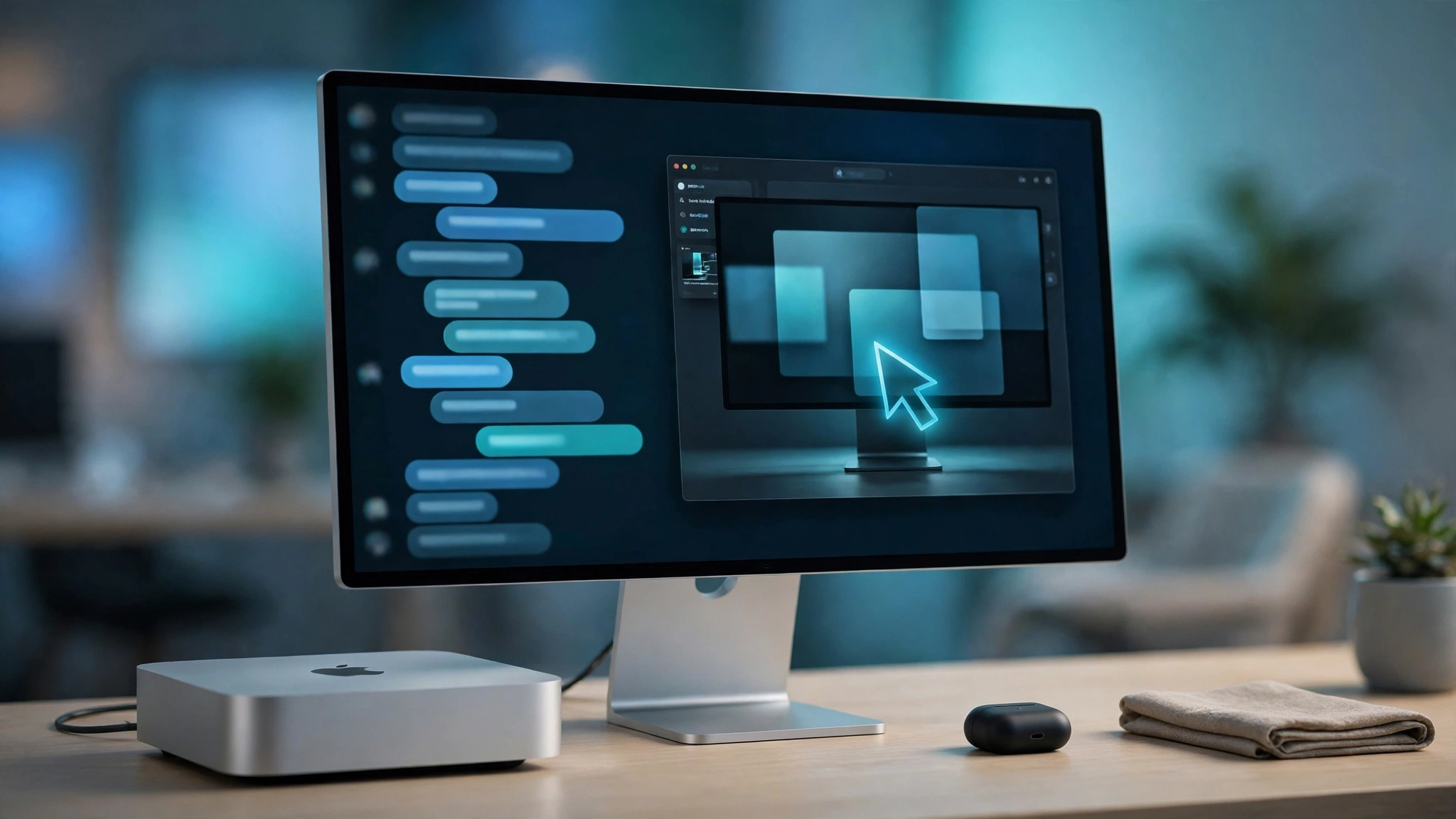
Google announced it on 19 November 2026, and it started rolling out on 20 November: the Gemini app on Mac can now take control of your computer. Not just answer questions about your files, and not just run in a browser tab. It can click, type, open menus and fill in forms across local files, desktop apps and the web, working through multi-step tasks while you watch a live preview inside the chat.
This article is built from Google's announcement and independent coverage, checked 20 November 2026. We have not tested Computer Use hands-on — it is US-only, behind a paid subscription, and rolling out gradually — so take the details below as per the announcement, not as our own findings.
🔍 How we put this together
We verified the story against Google's Keyword blog announcement (19 November 2026, by Michael Friedman, Group Product Manager for the Gemini app) and independent coverage from Neowin, The Hindu BusinessLine, TalkAndroid and Macworld (19–20 November 2026). We have not run Computer Use hands-on, so nothing here is a hands-on finding.The trick is the isolated window
When you ask Gemini to do something with @Computer use in a prompt, it does the work in an isolated background window, and you watch it happen in a live preview inside the chat. Your own screen and your own cursor stay free. You can keep working while the agent works.
That sounds small until you compare it with the alternative. The first generation of computer-use agents took over your screen: your mouse moved by itself, your windows rearranged themselves, and you sat there watching because you could not do anything else. Google's version keeps the agent in its own space. It is the same instinct behind a sandbox — let the agent run wild inside the box, and keep the box separate from your actual work.
What Google says it can do
The announcement lists a handful of example tasks, and they are deliberately ordinary ones:
- Batch colour-grade photos, or set up complex 3D scenes — Google names Blender as an example, which is a real desktop app with real menus, not a web form.
- Fill in multi-box shipping quotes by pulling weights, dimensions and addresses out of local PDFs.
- Pull metrics and screenshots from live dashboards and build a presentation in Google Slides.
- Analyse clothing photos from a local folder, research pricing, and stage resale listings.
Read that list again and notice what the tasks have in common. They are all multi-step, they all cross the boundary between local files and the web, and they are all the kind of thing that takes a human twenty minutes of clicking. That is the whole pitch: not a smarter chatbot, but fewer clicks.
Requirements, and the catch
The requirements are narrow, and you should know them before you get excited:
- Apple Silicon Mac, macOS Sequoia 15.0 or later. Intel Macs are out.
- A personal Google account, aged 18 or older.
- A Google AI Plus, Pro or Ultra subscription.
- English only, and US only, with a gradual rollout — so even if you qualify, you may not see it yet.
And there is one unresolved nuance we are not going to paper over. Google's announcement lists Plus, Pro and Ultra as eligible. But some coverage, including AppleInsider citing Google's own support documentation, suggests desktop-app control may currently be limited to Pro and Ultra subscribers. Those two things cannot both be the full story, and we do not have a hands-on account to settle it. Treat Plus eligibility as unconfirmed for now, and if you are on Plus and the feature does not appear, that is probably why.
Why now, and why it matters
This did not come out of nowhere. The Gemini Mac app launched on 15 April 2026, and the Gemini Spark agent arrived in it on 30 June. Google has been building toward an agent that lives on the desktop, not just in a browser tab, all year.
It is also catching up, not leading. Desktop agents from ChatGPT, Claude, Meta Muse and Perplexity were already there. What Google brings is distribution: Gemini is already on millions of Macs, and a computer-use feature inside the app people already have is a shorter path than asking them to install a new one. And the timing is pointed — this lands the same week Google made Gemini Tasks free in six countries, which reads like a deliberate push to make Gemini the agent that actually does things, not just the one that answers.
What to do if you get access
If you have a qualifying Mac and subscription, try it on something low-stakes first. A shipping quote or a photo-sorting task, not your tax return. Watch the live preview the way you would watch a junior colleague do a task for the first time: it shows you what the agent understood, and more importantly what it misunderstood, before anything is submitted.
And keep one question in mind as you use it. An agent that can click and fill in forms is an agent that can click the wrong button and submit the wrong form. The isolated window solves the "it took over my screen" problem. It does not solve the "it did the wrong thing, quickly, while I was not looking" problem. The live preview is there for a reason. Use it.
The bottom line
Gemini Computer Use is Google's desktop agent arriving in the app Mac users already have, with the right design choice at its centre: the agent works in its own isolated window while your cursor stays yours. The limits are real — US only, English only, paid tier, Apple Silicon, gradual rollout — and the Plus question is genuinely unresolved. If you qualify, try it on something small. If you do not, this is a preview of where Gemini is heading, not something you can use today. Google has not said when Computer Use reaches other platforms or other countries.
Are you going to let an AI drive your Mac — and if you have tried one of the other desktop agents, which one earned your trust, and what did it do to earn it?
Sources: Google Keyword blog, 19 November 2026 (Michael Friedman, Group Product Manager, Gemini app) — Computer Use announced for the Gemini app on Mac, rolling out 20 November 2026; Neowin, 20 November 2026; The Hindu BusinessLine, 20 November 2026; TalkAndroid; Macworld, 19 November 2026. The Plus-tier eligibility nuance comes from AppleInsider coverage citing Google support documentation and is presented here as unresolved. Context: Gemini Mac app launched 15 April 2026; Gemini Spark agent arrived 30 June 2026; Gemini Tasks made free in six countries the same week. No hands-on testing was performed for this article. This breaking article is not the daily buyer-intent post, and it contains no affiliate links.